// Practice lab
CCNA lab 10: Port security, DHCP snooping and DAI
Objectives
- Limit access ports to two MAC addresses learned with sticky learning.
- Trust only the uplink for DHCP and rate-limit DHCP on access ports.
- Enable Dynamic ARP Inspection for VLAN 10.
- Observe each feature blocking an attack.
Setup
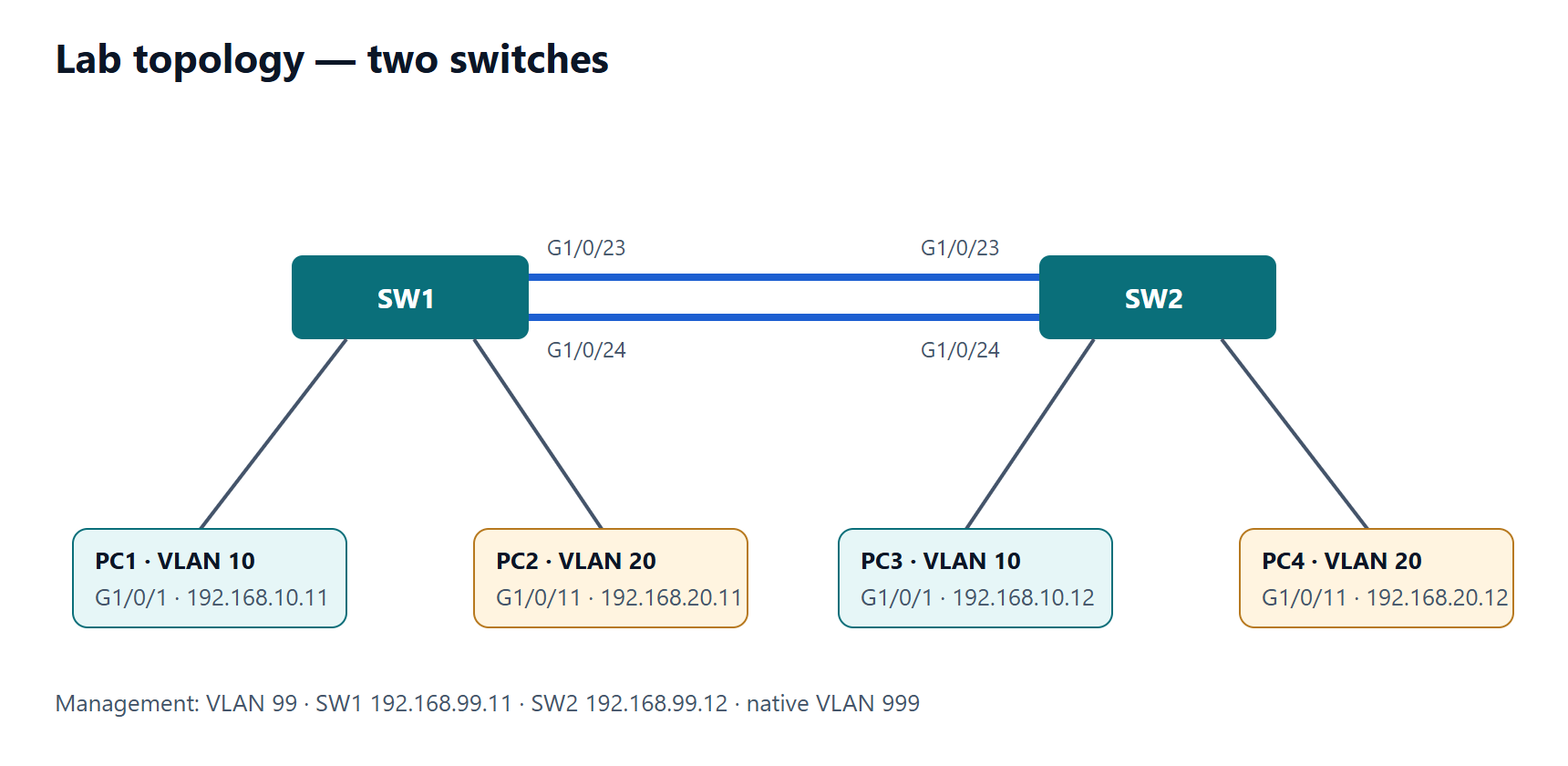
SW1 with the VLANs from lab 2. The legitimate DHCP server (or router with a pool) for VLAN 10 is reached through the uplink G1/0/24. PCs in VLAN 10 on G1/0/1–4.
Tasks
- Configure port security on G1/0/1–4: maximum 2, sticky, violation restrict.
- Connect a third device behind a small hub/switch on G1/0/1. What happens? Check the counters.
- Enable DHCP snooping for VLAN 10; trust G1/0/24; limit access ports to 10 DHCP packets per second.
- Connect a rogue DHCP server (for example a router with a pool) to G1/0/4. Can it hand out addresses?
- Enable DAI for VLAN 10 and trust G1/0/24. Confirm normal hosts still work.
- Give a PC a static IP address in VLAN 10. Why does it lose connectivity, and how would you allow it?
Verification
show port-security interface G1/0/1— violation count increases; the port stays up (restrict).show ip dhcp snooping bindinglists legitimate clients with their port.show ip dhcp snooping statistics— packets dropped from the untrusted port in task 4.show ip arp inspection statistics vlan 10— drops for the static-IP host in task 6.
Show the solution
SW1(config)# interface range GigabitEthernet1/0/1 - 4
SW1(config-if-range)# switchport mode access
SW1(config-if-range)# switchport access vlan 10
SW1(config-if-range)# switchport port-security
SW1(config-if-range)# switchport port-security maximum 2
SW1(config-if-range)# switchport port-security mac-address sticky
SW1(config-if-range)# switchport port-security violation restrict
SW1(config-if-range)# ip dhcp snooping limit rate 10
SW1(config-if-range)# exit

SW1(config)# ip dhcp snooping
SW1(config)# ip dhcp snooping vlan 10
SW1(config)# no ip dhcp snooping information option
SW1(config)# interface GigabitEthernet1/0/24
SW1(config-if)# ip dhcp snooping trust
SW1(config-if)# ip arp inspection trust
SW1(config-if)# exit
SW1(config)# ip arp inspection vlan 10
Task 2: the third MAC is dropped and the violation counter increases; with restrict the port stays up and a syslog message is generated (with shutdown it would be err-disabled).
Task 4: the rogue server's Offers arrive on an untrusted port and are dropped — clients only get addresses from the real server.
Task 6: the static host has no DHCP snooping binding, so DAI drops its ARP packets. Allow it with an ARP ACL:
SW1(config)# arp access-list STATIC-HOSTS
SW1(config-arp-nacl)# permit ip host 192.168.10.50 mac host 0050.7966.6800
SW1(config-arp-nacl)# exit
SW1(config)# ip arp inspection filter STATIC-HOSTS vlan 10
(Use your host's real MAC address.) Note: no ip dhcp snooping information option is needed in many labs because the switch otherwise inserts option 82 and some DHCP servers or relays reject it.